
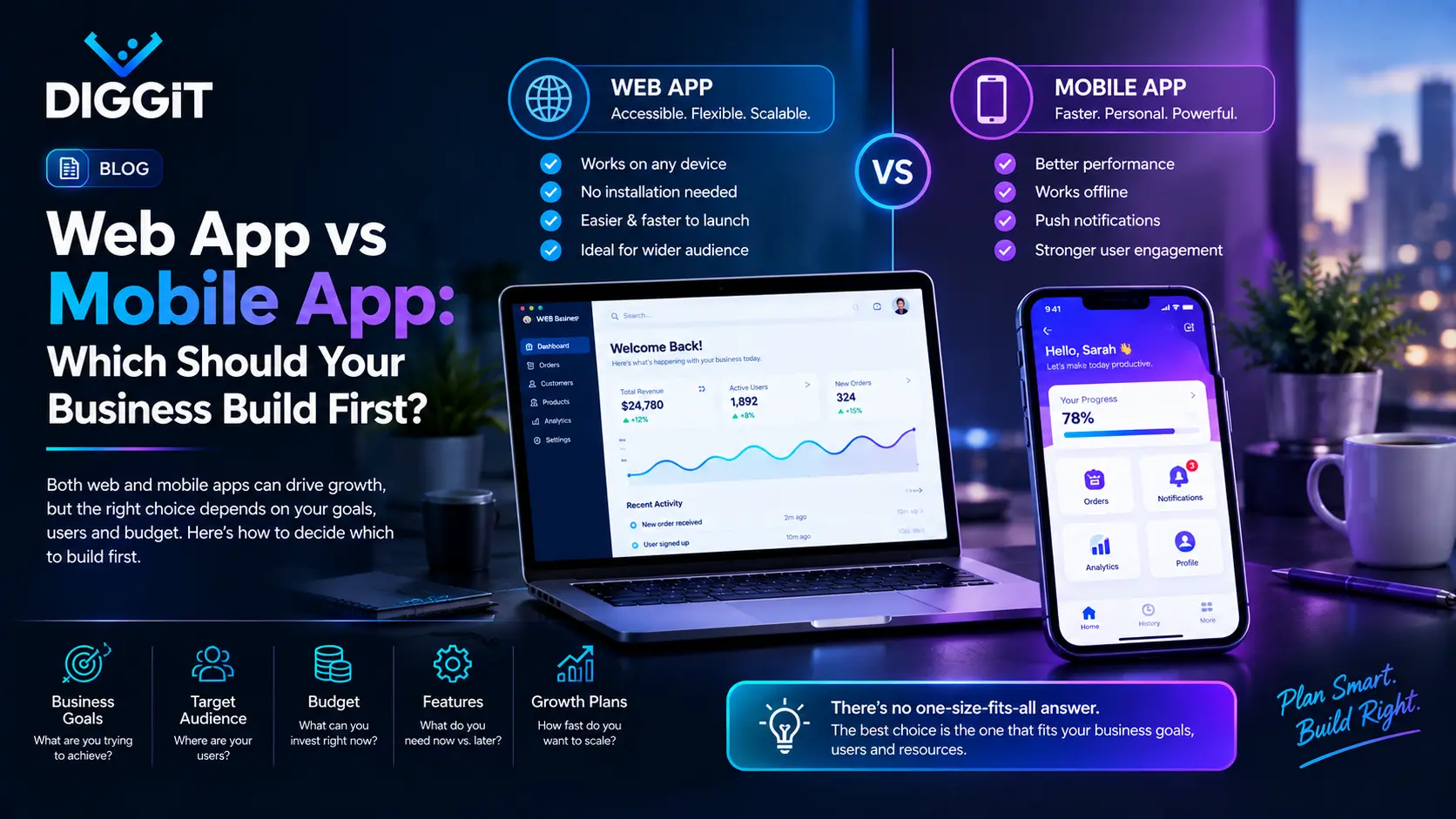
A web app runs in a browser and works on any device without installing anything. A mobile app is downloaded from the App Store or Google Play and runs on the phone itself. For most businesses, a web app is the better first build: one version works everywhere, updates go live instantly, and no app store takes a cut. Build a mobile app first only when your product depends on things a browser can't do well, like working offline, using the camera or sensors heavily, or sending reliable push notifications.
Web app vs mobile app at a glance
| Web app | Mobile app | |
|---|---|---|
| How people get it | Open a link | Download from an app store |
| Works on | Any device with a browser | The platforms you build for (iOS, Android) |
| Updates | Live immediately for everyone | Need store review, users must update |
| Offline use | Limited | Strong |
| Phone features (camera, GPS, sensors) | Some, with limits | Full access |
| Push notifications | Possible, less reliable on some phones | Reliable |
| Store fees on digital sales | None | Apple and Google take a share |
| Discovery | Search engines, links | App store search, plus links |
Why most businesses should start with a web app
One build covers everyone. A well-built web app works on desktop, tablet and phone. A native mobile app usually means building for iOS and Android separately, or using a cross-platform framework that still needs testing on both.
You can change things the same day. Fix a bug or change a screen, and every user has it immediately. Mobile updates go through store review. Apple says it typically reviews at least 50% of submissions in under 24 hours and 90% in under 48 hours. That's fast, but it's not instant, and users still have to install the update.
No store commission on digital sales. If you sell digital goods or subscriptions inside a mobile app, the stores take a share. Apple's Small Business Program charges 15% for developers earning up to $1 million a year. Google Play charges 15% on the first $1 million of yearly earnings and on subscriptions, with Google rolling out new fee tiers in some markets during 2026. Web payments avoid these fees, though you still pay normal card processing.
Business buyers often work on desktop. If your users manage orders, reports or records, much of that happens at a desk. A web app suits that.
When a mobile app should come first
Build mobile first if one of these is central to your product:
- Offline work. Field staff, drivers or technicians in places with weak signal.
- Heavy use of phone hardware. Scanning, photos, GPS tracking, Bluetooth devices.
- Daily habit and reminders. Products that rely on push notifications to bring people back.
- App store discovery. Consumer products where people search the store, not Google.
- A tablet in the workshop. Products used standing up, in a workshop, warehouse or shop floor, where a touch-first app is faster than a browser.
The middle option: progressive web apps
A progressive web app (PWA) is a website built to behave more like an app. People can add it to their home screen, and it can work partly offline. It's a good way to get some app-like benefits from one web codebase.
The limits are real, though. Support for some features, like push notifications, varies between iPhone and Android, and a PWA doesn't get you an App Store listing. Treat it as a strong web app, not a full replacement for a native one.
What we did with our own products
We've faced this choice on our own products, not just for clients.
Kordic, our CRM, started on the web. Sales teams manage pipelines, quotes and invoices, often at a desk. We later added iOS and Android apps with full feature parity for people working on the go, while accounts and billing stay on the web.
Revvio, our auto workshop app, went mobile and tablet first. Mechanics and service advisors work standing up in the bay, not at a desk. A touch-first tablet app made more sense than a browser there.
Same company, opposite choices, because the users work in different places. That's the real question: where and how will people use it?
Questions to decide before you build
- Where will people use it most: at a desk, on the move, or in a fixed spot like a workshop?
- Does it need to work without internet?
- Does it need the camera, GPS or other phone hardware every day?
- Will you sell digital goods or subscriptions inside it?
- How will people find it: search, app store, or your own sales team?
- How often will you need to change it in the first six months?
If your answers point mostly to desk use, search discovery and frequent changes, start with web. If they point to the field, offline use and daily habits, start with mobile.
How Diggit can help
Diggit builds custom web and mobile apps from our US company in Dallas, with our engineering team in Karachi. Because we build and run our own products on both, we'll tell you which to build first and why. Our guides to custom software development cost and fixed price vs time and materials cover budgeting and contracts.
Book a scoping call and bring your answers to the six questions above.
Related questions
Usually, because one version covers every device. Building native apps for both iOS and Android typically means more design, development and testing work.
Yes. Many products start on the web and add mobile apps once they know what users need on the go. Planning your backend so both can share it makes this much easier.
Not at the start. Build the one that fits how your users work, then add the other when there's a clear reason.